


Play971 Login and Registration
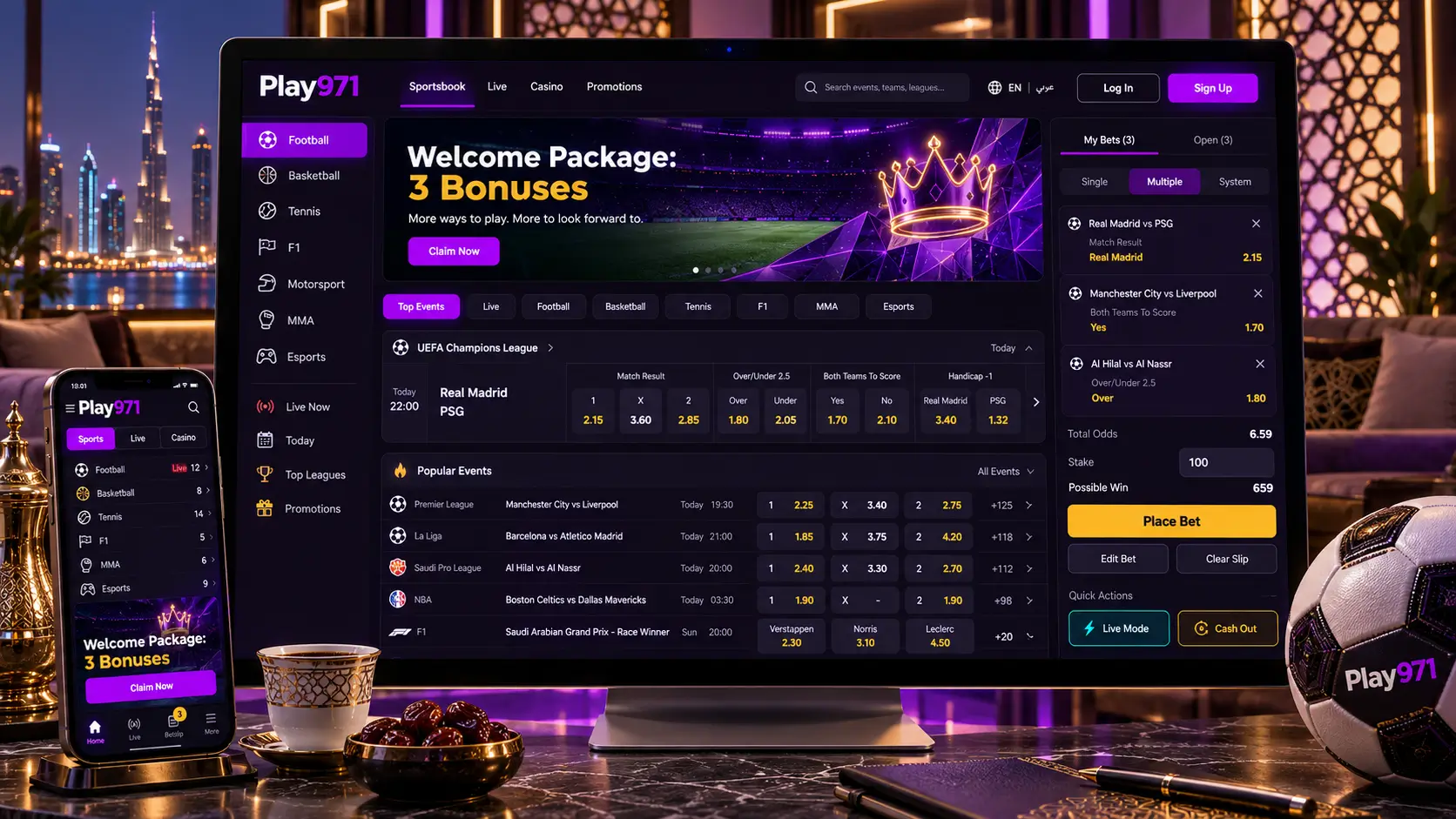
A Play971 account follows a simple path. Short, too. It’s created once, verified once, and then used for as long as you choose, with a login that checks who and where you are every time. This page follows that path from the first form to everyday sign-ins, explaining why each step exists, not just how to get through it. Every rule traces back to the platform’s GCGRA licence, which limits play to adults of 21 or over who are physically inside the UAE.
How to Create an Account

Registration asks for only a handful of things, and each has a specific job.
| What the form asks for | Why it’s needed |
| Email address | Account messages and password resets reach you here |
| Mobile number | A second way to identify yourself and receive recovery messages |
| Password | The one lock on the account that only you control |
| Age confirmation | Twenty-one is the legal floor under the licence |
| Location confirmation | Play is only allowed while you’re inside the UAE |
| Photos of your Emirates ID | Proof of identity and age, and the only document accepted |
Type, tick, snap, wait. That’s the whole ritual. Reviewers then look at the card, and approval brings an empty balance plus a working cashier.

Some people are refused. Documents don’t change that. People who work for or direct the operator can’t register, nor can their close relatives or residents of sanctioned countries. The rules also name visitors among those eligible, but because an Emirates ID is required for verification, anyone without one should check with support before depositing.
How to Log In

Signing in takes either your registered email or your mobile number, together with your password. The platform then confirms your device’s location before the account opens, and it repeats that check at every login.
You can use the same account on more than one device, such as a phone and a laptop. Each device runs its own location check, and each keeps its own session, so logging out on one doesn’t log you out everywhere. The account itself should only ever be used by you, because it’s tied to your identity document.
Before signing in on a device for the first time, it’s worth running through a short check:
- Positioning enabled, in its exact rather than rough form
- No VPN is active, since it can make you appear to be in another country
- You’ve reached the site by typing the address, not through a link
- The device belongs to you, or you’ll remember to log out afterwards
Password Recovery and Account Access

Resets travel to whatever inbox or number the account remembers. Old details? Then the reset goes nowhere useful. So think about recovery now, on a calm day, rather than at midnight when you’re locked out.
A little preparation makes any future lockout much easier:
- Register with an email address you’ll keep for years, not a temporary one
- Protect that email account with its own two-step verification, since whoever controls it can reset your Play971 password
- Swap in a new mobile number the day you change it
- Store your password in your phone’s password manager so it can’t be forgotten
If you lose access to both your email and your phone number, recovery through the link won’t work, and you’ll need to contact support, who will confirm your identity before helping. Remember too that some blocks aren’t about passwords at all. An active time-out or self-exclusion, or an identity review still in progress, will stop a login regardless of what password you enter.
Verification and Account Security
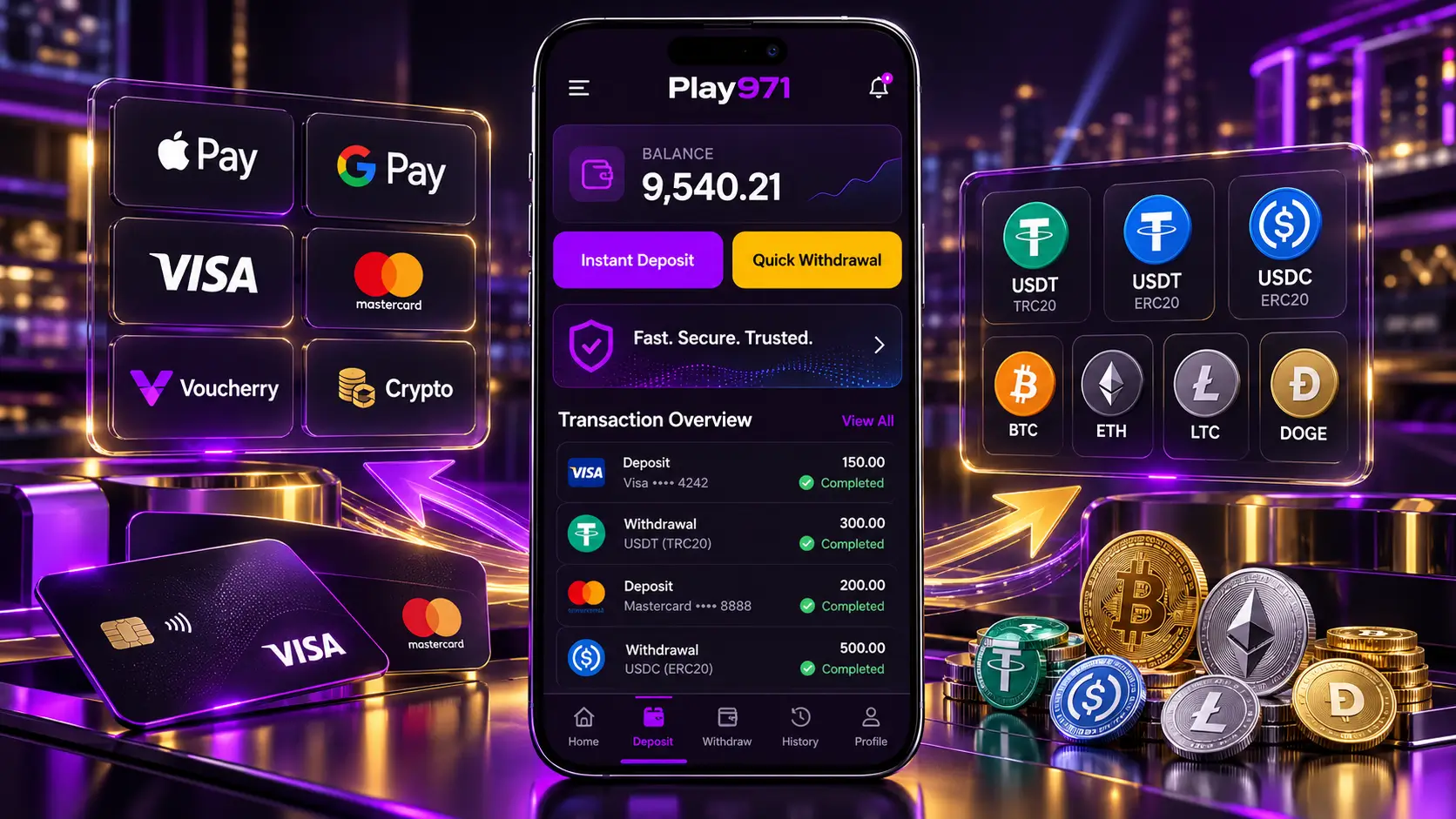
The card is checked once, right at the start. After that an account can pass through several states over the years.
| Account state | What it means for you |
| Awaiting review | You can log in, but the cashier stays closed until the ID is approved |
| Active | Full access to games, betting and payments |
| On a time-out | A break you chose, with play unavailable until it ends |
| Self-excluded | Access blocked for at least six months at your request |
| Extra checks requested | The operator needs more information about account activity |
Keeping an active account secure mostly comes down to protecting the few things that open it. Use a password that exists only for Play971. Never read a one-time code to anyone, whoever they claim to be. Ignore messages offering Play971 bonuses, because the platform doesn’t give them, and treat any such message as an attempt to steal your login. If you notice activity you don’t recognise, change your password and contact support straight away.
Mobile Login and Support

Phones sign in the same way a laptop does, inside a browser, or behind an icon that a browser created. Neither store sells a Play971 app and nobody official hands out an APK. Grant the browser your position. Without it, no entry.
Loyalty to one browser pays off here. Mix Chrome and another app, and each keeps its own memory of your session and its own permission settings. The result is baffling, logged in here, locked out there, with no obvious culprit.
Things worth doing on the phone once, and then forgetting about:
- Let the built-in password keeper hold the login, unlocked by your thumb or face
- Make sure a passcode guards the handset itself
- Delete stray shortcuts carrying the brand name that you never made
- Sign out before lending the phone to anyone
When nothing on this page helps, write to the team. Chat or email, Arabic or English, any hour. Failed recoveries, frozen ID reviews and questions about limits or breaks are all everyday requests for them.
Accounts belong to over-21s present in the Emirates, nobody else. Cap your deposits on day one. Step away when it stops being fun.